
Lucky Vegas Casino Login
Create your account and start playing with instant access to all games and features.
Games at Lucky Vegas Casino






Full Game Catalog






You sign in to Lucky Vegas Casino with an e-mail and password, or with a phone number and SMS code. A few steps and you are in. When a login fails, the help below covers password resets, locked accounts, KYC checks and direct support contacts. Live chat runs 06:00-00:00 GMT, and e-mail support replies around the clock.
How to Log In: Step-by-Step
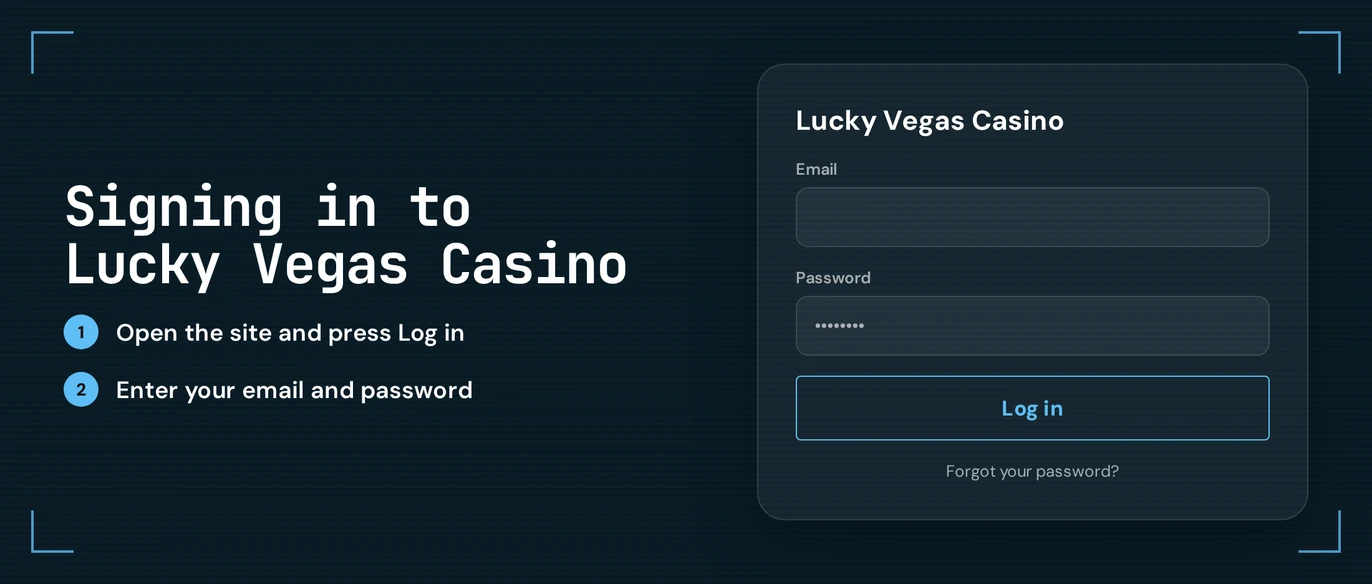
Log in with the same details you picked at registration. Desktop and mobile follow the same steps:
In your browser, load up the Lucky Vegas Casino site.
Hit the Log In button.
Fill in your e-mail and password. Alternatively, give your phone number and the SMS code.
Confirm your e-mail if the prompt shows up.
Head to the lobby and begin playing.
No confirmation e-mail in your inbox? Look in your spam folder and double-check how the address is spelled. Give it a minute, then ask for a new message.
Login Problems and Fixes
Typos, an outdated browser session or a missing confirmation message cause most failed logins. Your Lucky Vegas Casino account is protected by your password plus e-mail confirmation, so you have no authenticator code to lose or re-sync.
| Problem | Likely cause | Quick fix |
|---|---|---|
| Wrong password message | Typing error, caps lock or an old password | Retype slowly, then reset the password |
| Confirmation e-mail missing | Spam filter or misspelt address | Check spam, then request a new e-mail |
| SMS code not arriving | Weak signal or wrong number | Wait a minute and request a new code |
| Page loads but login fails | Old cookies or cached data | Clear cookies and cache |
| Account locked | A break you set on the Player Limitation page | See the locked account section |
| Withdrawal on hold | KYC documents not yet checked | Upload your documents |
To clear cookies and cache:
- Go to your browser settings and open the browsing data menu.
- Pick cookies and cached files.
- Clear that data, then shut the browser down fully.
- Open the Lucky Vegas Casino site once more and sign in again.
How to Reset Your Password
Forgot your password? The reset runs through the e-mail you registered with. You start the process, and the reset e-mail comes from Lucky Vegas Casino.
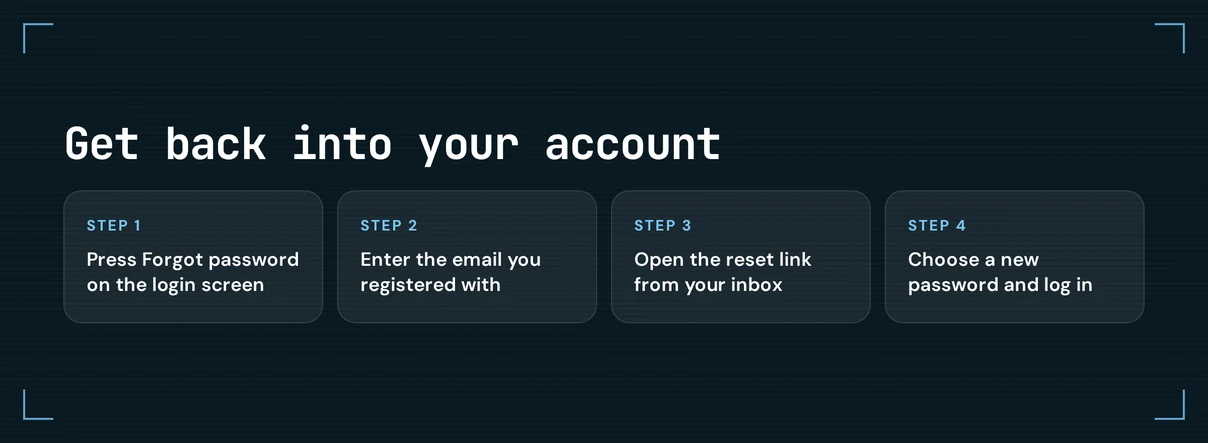
- Press Log In, then choose the forgotten password option.
- Fill in the e-mail address tied to your account.
- Find the message in your inbox, or in your spam folder if it has not shown up.
- Open the link and enter a new password.
- Sign in using your new password.
Choose a password that no other site uses. If you signed up with a phone number, use the e-mail saved on your profile or reach out to live chat.
Account Locked or Suspended
A break you set yourself is one of the possible reasons for a locked account. On the Player Limitation page, Lucky Vegas Casino gives you three tiers, and the lock lasts for the period you picked.
| Tier | Length | How to set it |
|---|---|---|
| Cooling-off | 24 hours, 48 hours or 7 days | Player Limitation page |
| Temporary suspension | 30, 60 or 90 days | Player Limitation page |
| Self-exclusion | Indefinite | Via support |
If you never set a break and still cannot get in, work through this order:
- You: write down the e-mail on the account and any message that appears at login.
- You: reach support using your registered address, or start a live chat.
- Support: looks over the account and answers with the next step.
Stress from gambling? GamCare operates a free National Gambling Helpline at 0808 8020 133, and you can find its site at gamcare.org.uk.
KYC Verification
KYC checks happen at Lucky Vegas Casino on your first deposit, then once more before your first withdrawal. While a check is pending, your withdrawal is held until the documents clear. You upload the files and Lucky Vegas Casino reviews them.
Required documents:
- Identity: ID or driver's licence
- Proof of address: a document that shows your name and home address
- Payment ownership: proof that the payment method belongs to you
- Bank statement
- A signed deposit confirmation form
Send complete, legible images with all four corners in view. Check that the name on each document matches the name on your account. A mismatch is the most common cause of a resubmission.
Logging In via Mobile Browser
Lucky Vegas Casino is a mobile-responsive browser site, so you sign in through your phone's browser without downloading anything. The login form, SMS code and e-mail confirmation behave just as they do on desktop.
| Device | How to log in |
|---|---|
| iPhone or iPad | Open the site in Safari or another browser, then tap Log In |
| Android phone or tablet | Open the site in Chrome or another browser, then tap Log In |
Save the official site to your home screen so the login page is one tap away. If the form freezes, clear the browser cache as the problems section explains.
Contact Support
Locked accounts, KYC questions and self-exclusion requests are all handled by support. Quick problems fit live chat; cases where you attach documents fit e-mail.
| Channel | Contact | Hours | Languages |
|---|---|---|---|
| Live chat | Via the website | 06:00-00:00 GMT | English, Swedish, Danish |
| [email protected] | Any time, replies around the clock | English, Swedish, Danish |
Give your registered e-mail, a brief description of the problem and a screenshot of any error message. That way the agent can begin the fix right away.
FAQ
Gambling is for adults aged 18 and over. Keep it for entertainment, set deposit and time limits that fit your budget, and stop if gambling stops being fun.